See exactly what happens inside Git when you run commands
Terminal
$ echo "Hello World" >> data.txt
File updated
$ git add .
Changes staged for commit
$ git commit -m "add data"
[main abc1234] add data
1 file changed
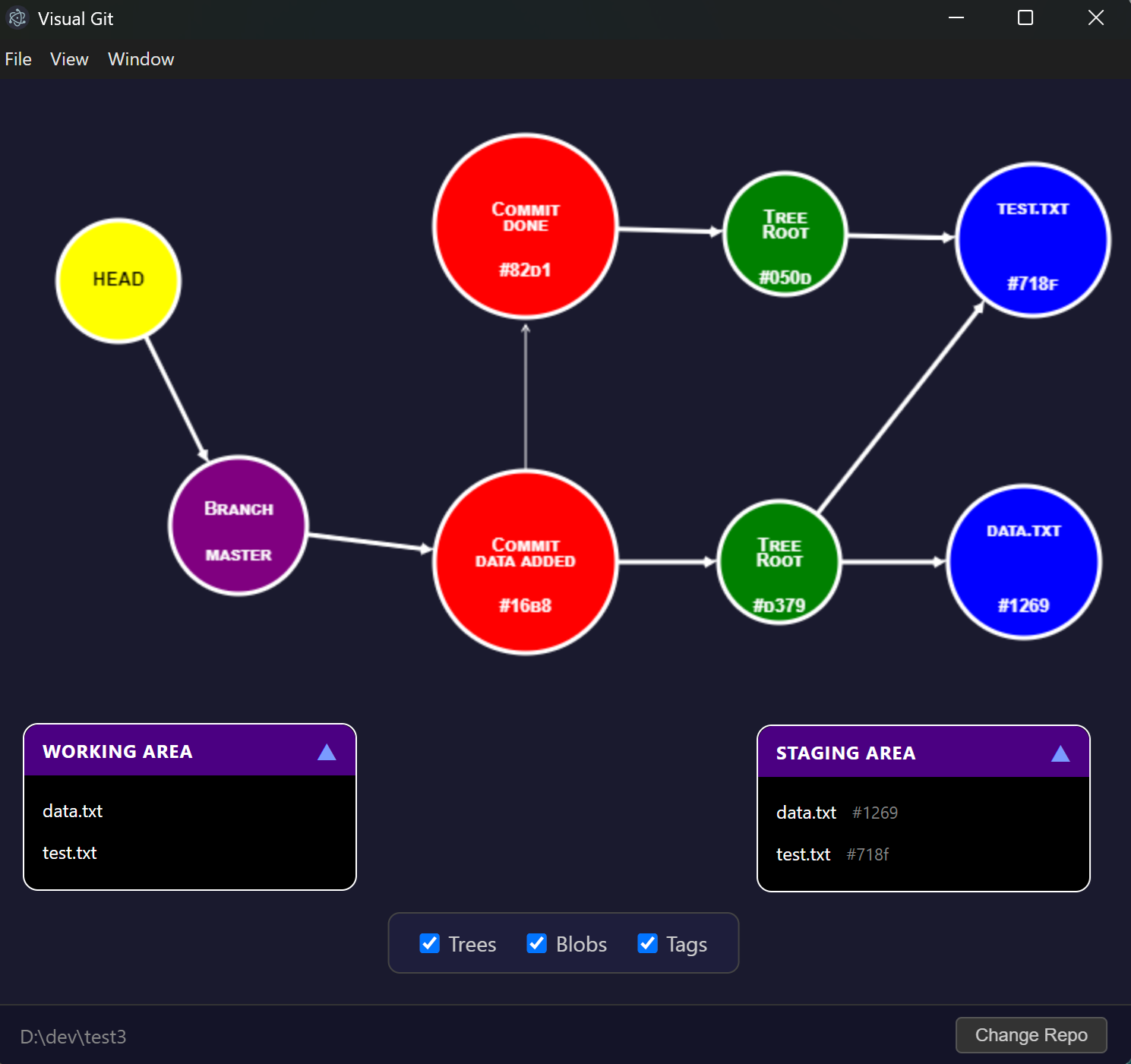
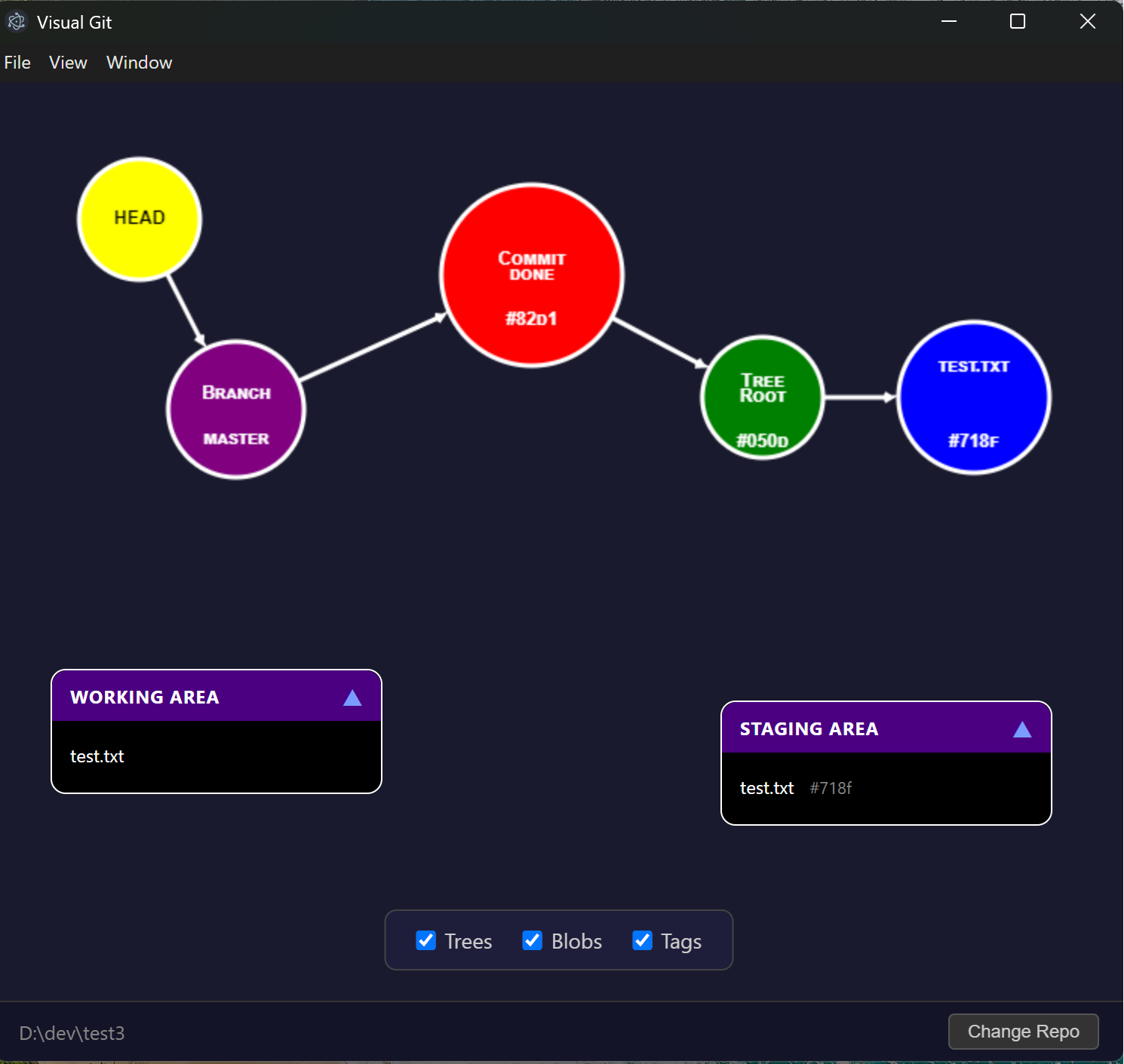
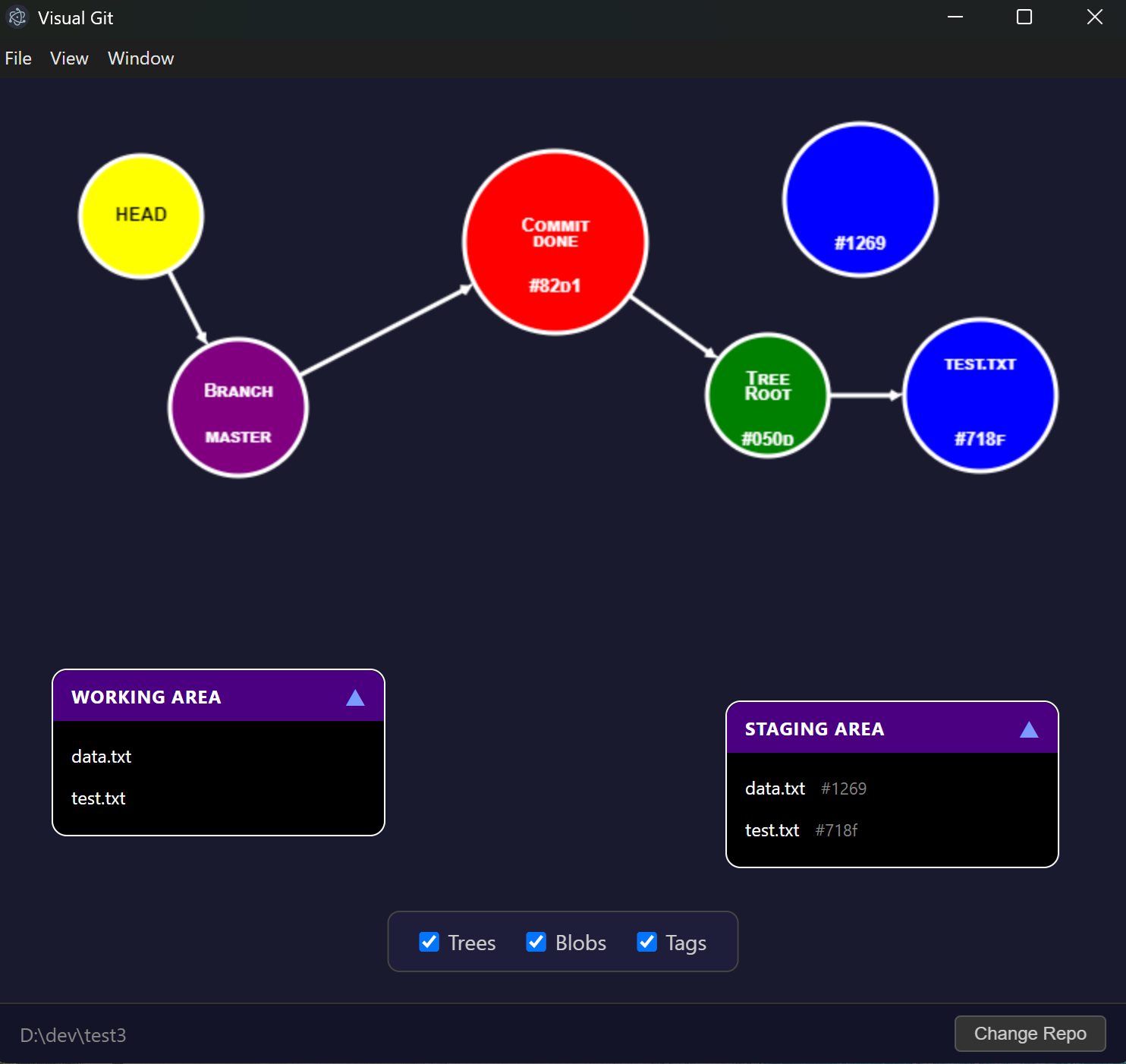
Visual Git showing working directory change Visual Git showing staged file Visual Git showing committed changes
Visual Git final result

With Visual Git you can visualize the effects of Git commands on your own local repository.

Understanding what Git does under the hood during Rebase, Revert, or Reset builds real confidence when running these commands

Step 1
Download the Visual Git desktop app
Step 2

Launch Visual Git and pick your repository
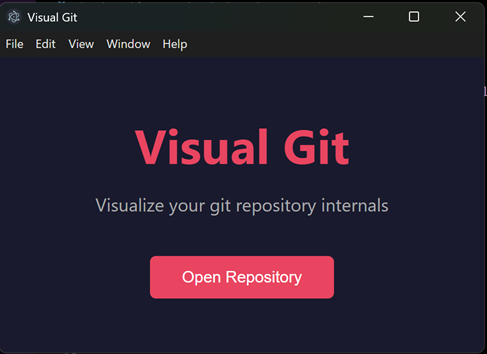
Visual Git desktop app welcome screen
Step 3

Experiment and learn

Make changes to your repo and watch the visualization update in realtime. Branch, commit, rebase, merge — see exactly how each command affects your repository internals.

Build confidence with commands like git reset --hard

Visualization Features

Using this integration should be performed with minimal commits to the repo, maybe 10 would be the optimal, otherwise the graph gets too complicated.

It is designed to be used for learning the changes that occur to the repo when issuing simple command such as branching, rebasing, squashing etc.

More Details
Visual Git in Action
Want to see VisualGit in action? There are lots of videos demonstrating how VisualGit can be used on the A Shot Of Code YouTube channel. Here are some picks:
Tutorials
Enjoying using VisualGit?
All support much appreciated here thanks
buy me a coffee